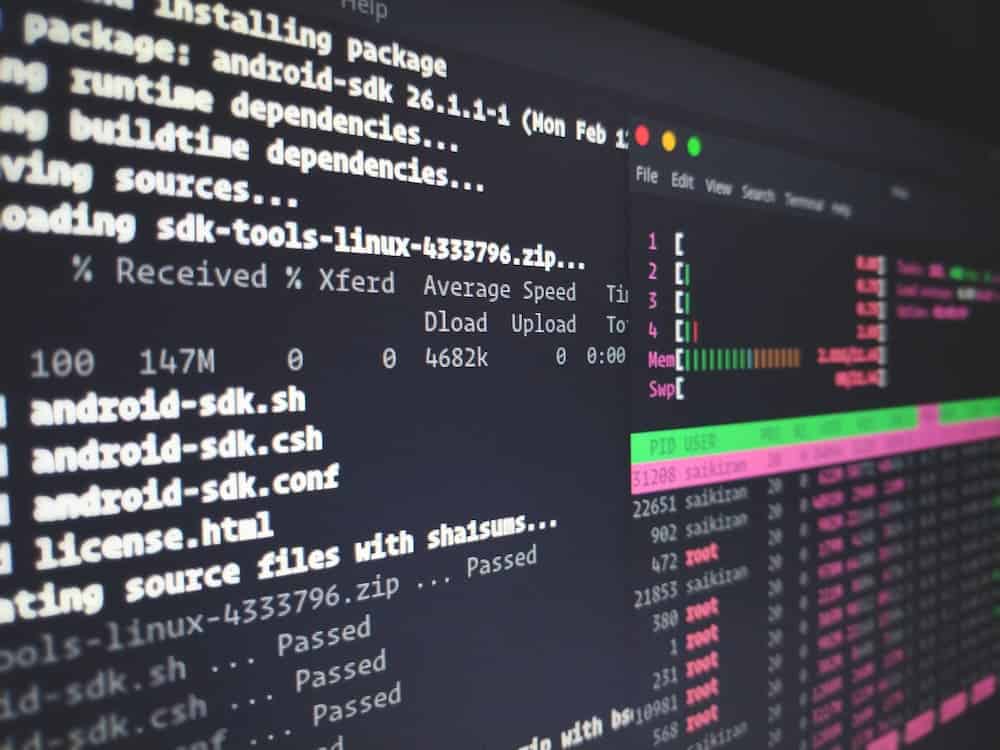
GBKSOFT has selected the best-operating systems for a wide variety of tasks.
Linux has traditionally been considered the operating system for engineers and programmers, but there has long been a real effort to make Linux more attractive to a broader audience. It is critical because the unrecoverable architectural security issues of Windows and Apple’s closed ecosystem prevent them from being considered reliable options for mainstream use.
There are a vast number of Linux versions. DistroWatch.com has numbered over 700 in its entire history. How to choose from this abundance? There are two main criteria to watch out for:
- The popularity of the distribution. The more famous your distribution is, the easier it will be to find manuals on the web. The large community means that you can quickly get help on the forums if you have any difficulties getting the distribution set up. Finally, the more common it is, the more applications and packages are ported for it.
- The development team that works with it. Naturally, it’s best to look at distributions supported by large companies like Red Hat, or SUSE or have large communities.
Let’s take a look at the most popular Linux distributions in 2021.
Manjaro
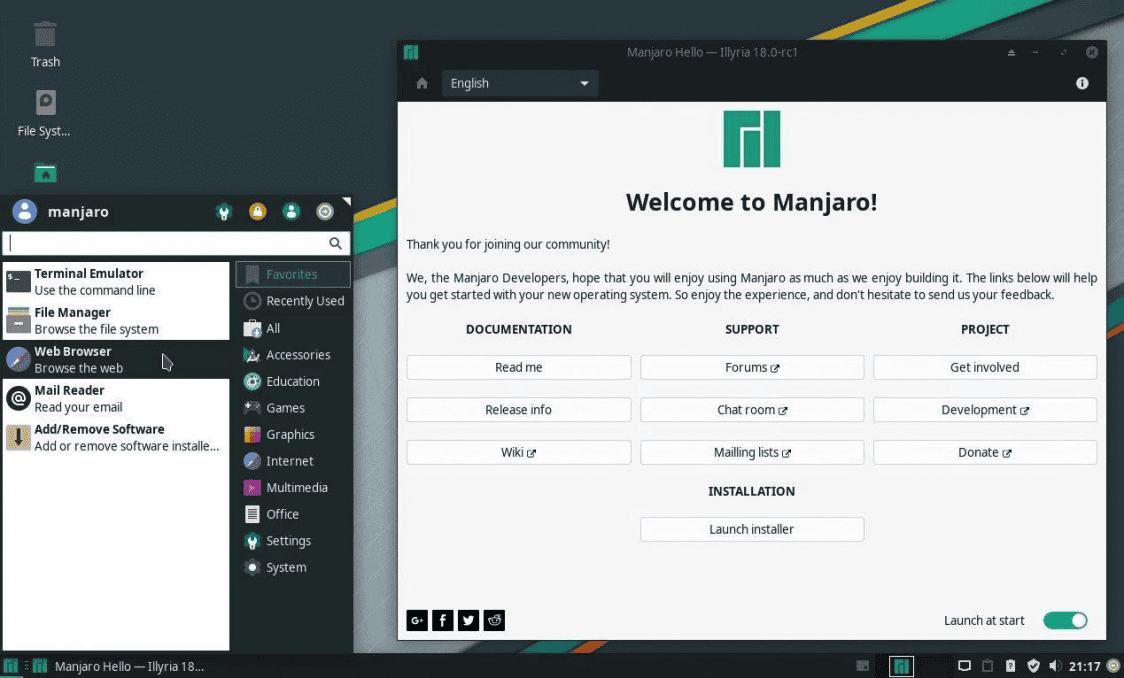
Based on Arch, a compelling and functional distribution. Its KISS (Keep It Simple, Stupid) philosophy makes Arch too tricky for beginners instead of as opposed to its name. This distribution is installed only through the command line.
Manjaro, unlike Arch, has a simple graphical installer while still combining powerful features like the AUR and rolling release. AUR (Arch User Repository) is the richest source of Linux packages.
The distribution comes with various desktop skins to choose from: functional KDE, GNOME for tablet screens, Xfce, LXDE, and more. With Manjaro installed, you can be sure to get the updates first.
- Pros: AUR, thanks to which you can install any application without unnecessary movements. Always new software.
- Cons: a peculiar design of the desktop shells. However, nothing prevents you from replacing it. Also, the standard edition of Manjaro has a lot of unnecessary built-in applications. If you only want to install the bare minimum to get the job done, try the Manjaro Architect version.
Fedora
Fedora belongs to the family of Red Hat Linux distributions. Red Hat is a testing ground where users try out the latest features and capabilities of applications and systems. Despite this, the Fedora Workstation edition is relatively stable and well suited for the role of the primary working system. The distribution is renowned for being the first to receive the latest editions of the GNOME Shell.
- Pros: Many new features appear in Fedora earlier than other distributions. Moreover, the system is simple even for inexperienced users.
- Cons: The standard Fedora distribution lacks many necessary codecs – for licensing reasons. The problem is solved by connecting the RPM Fusion repository.
openSUSE
openSUSE uses the KDE graphical environment and is perfect as a central desktop system. Linux assumes that each distribution will only be used to solve one problem.
But unlike other distributions YaST (openSUSE application) allows you to configure the system in one window completely. In YaST, you can add repositories, manage disk partitions, customize the appearance of the distribution, install new programs and packages, and so on.
The distribution has two update modes: Leap (stable, like in Ubuntu) and Tumbleweed (rolling release with the most exciting news, like in Arch). So you can choose between system stability and new features.
- Pros: easy-to-use YaST settings manager, a wide range of packages, an excellent set of KDE applications.
- Cons: the standard distribution does not contain many codecs and proprietary drivers – this is due to the terms of the license. To solve the problem, install them manually after installing the system.
elementary OS
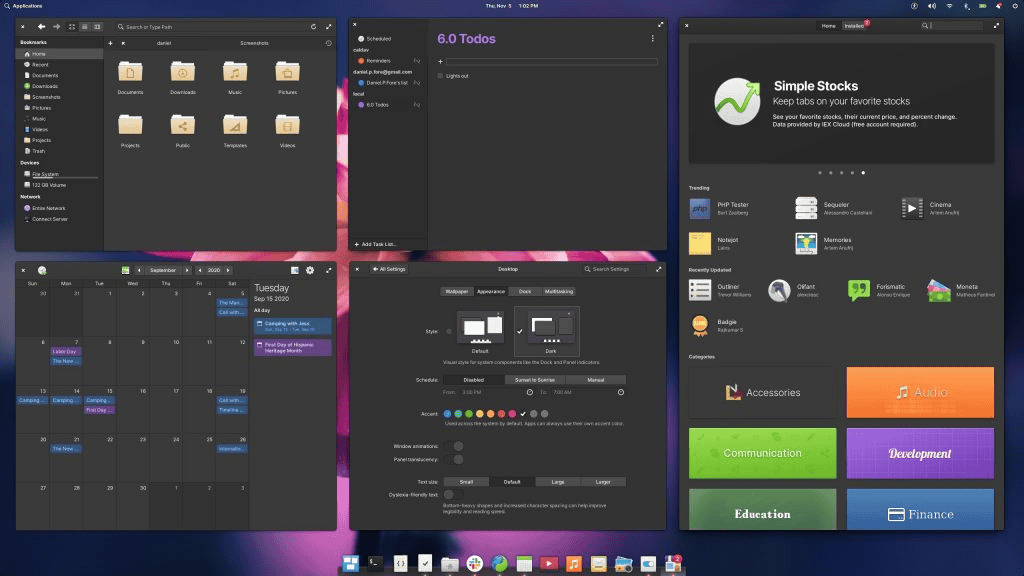
The elementary OS interface resembles macOS, so the distribution will be a pleasure to use for Mac fans. Animations, window decoration – everything here is so smooth and pretty that you can admire the system. Nevertheless, behind the beautiful shell of elementary OS lies a full-fledged Linux, which supports all the applications necessary for the work.
The latest version of elementary OS Hera has received many innovations, the most notable of which are dark mode, the ability to watch videos in a pop-up window “picture-in-picture,” and support for touchpad gestures, like in macOS.
- Pros: beautiful interface, own indie app store.
- Cons: the Pantheon graphic shell looks stylish but not very functional. Few settings.
In addition to all those mentioned, it should be noted the fastest growing distributions of MX Linux and Linux Lite in recent years, an unambiguous choice for privacy and security Tails, for Kali Linux penetration testing, the CentOS server system.
It should also be added that, in terms of its architecture, Linux is fundamentally superior to Windows in terms of information security. It applies to any distribution.